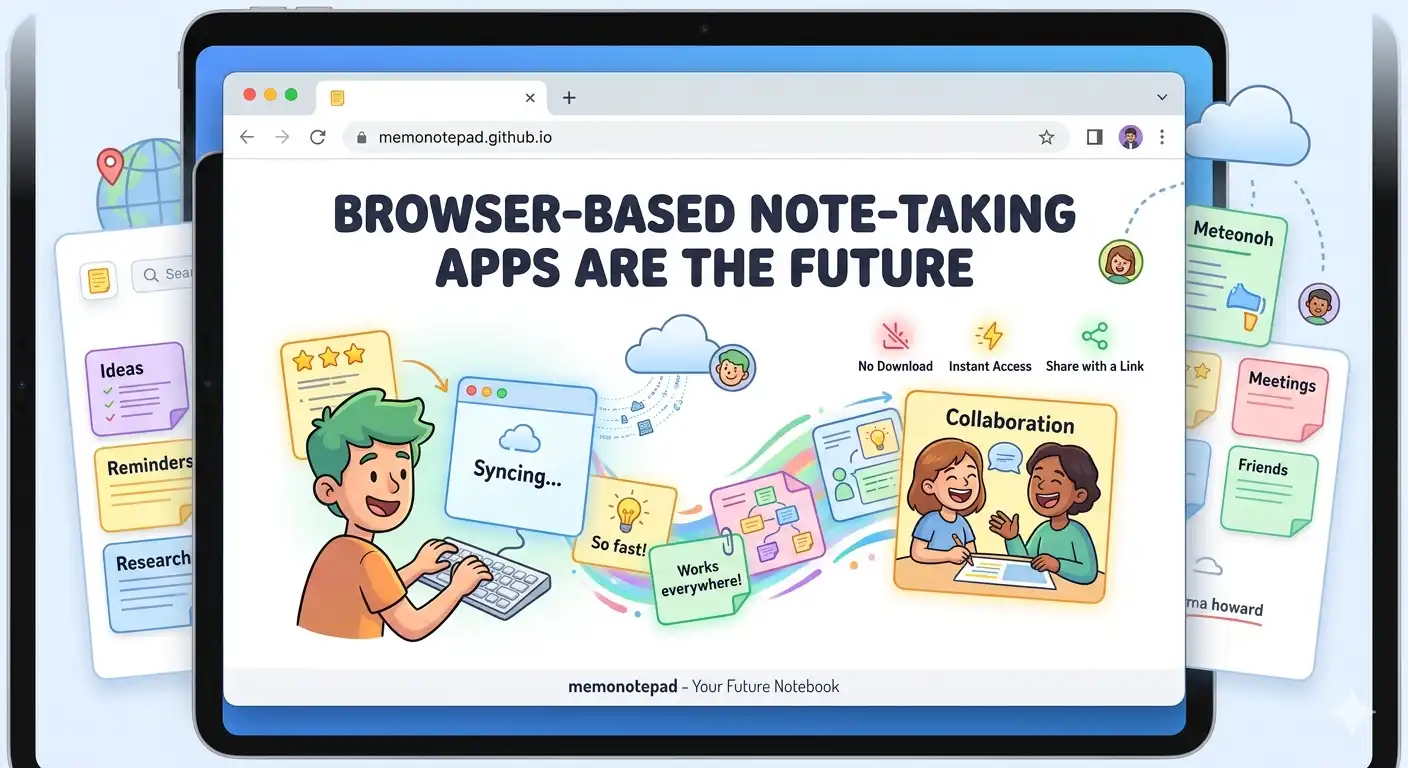
The typical journey to start using a note-taking app goes like this: find the app, download the installer, create an account, verify your email, choose a plan, watch the onboarding tour, dismiss the upgrade prompt, and finally — write your first note. By that point, the thought you wanted to capture is gone.
Browser-based note-taking eliminates every step except the last one. Open a URL, write your note. That simplicity isn't a limitation — it's the entire point. And as the web platform has matured, it now matches or exceeds native apps on nearly every capability that matters for note-taking.
The Evolution of Note-Taking: A Brief Timeline
The local-first browser approach is the convergence of the desktop era's privacy and speed with the browser era's zero-install accessibility. It's the best of both, with the worst of neither.
Six Advantages That Make the Browser the Right Platform
How Browser Apps Compare to Traditional Alternatives
| Capability | Browser-Local (Memo) | Cloud App | Desktop App |
|---|---|---|---|
| Zero install required | ✓ Yes | ✓ Yes | ✗ No |
| No account needed | ✓ Yes | ✗ No | ~ Sometimes |
| Works offline | ✓ Yes | ✗ Limited | ✓ Yes |
| Data stays on device | ✓ Always | ✗ Never | ✓ Yes |
| Cross-platform | ✓ Any browser | ✓ Yes | ✗ Build per OS |
| Breach risk | ✓ None | ✗ Real | ✓ Minimal |
| Instant load (<1s) | ✓ Yes | ✗ Server round-trip | ✓ Yes |
| Open source / inspectable | ✓ View source | ✗ Closed | ✗ Usually closed |
The "No Sign-Up" Advantage Is Bigger Than It Sounds
Every account you create is a potential attack surface: a password to phish, an email to spam, a profile to breach. The note-taking industry has quietly accumulated enormous databases of highly personal information — diaries, meeting notes, health records, business plans — all tied to user accounts and stored on company servers.
Memo Notepad's zero-account model means none of that exists. There is no profile. There is no database. Your notes are stored entirely in your own browser's localStorage — something that cannot be acquired by a data broker, cannot be subpoenaed from a company that doesn't hold it, and cannot be breached from a server that doesn't exist.
What "Instant Loading" Actually Means for Note-Taking
Cloud note apps have to make round-trips to a server to display your notes. Even on a fast connection, this introduces hundreds of milliseconds of latency — enough to break the capture-this-thought-right-now use case that defines note-taking.
Memo Notepad loads its interface from a static GitHub Pages URL (fast by itself) and then reads your notes directly from localStorage — a local read that takes under a millisecond. The combination means your full, organised note list appears as fast as the browser can render HTML. On most devices this is genuinely instant.
Offline Capability: The Unsung Feature
Cloud notes fail silently when you're offline. You open the app, see a loading spinner, and eventually get an error or an outdated cache. Browser-local apps have no such failure mode — the data has always been on your device.
This matters more than most people track. Flights, remote locations, spotty hotel Wi-Fi, underground public transport, areas with poor coverage — these are exactly the moments when capturing a thought quickly feels most important, and exactly when cloud apps are most likely to let you down.
The Local-First Philosophy and Where It's Going
The local-first software movement argues that your data should live on your device first, sync to servers second (if at all). This philosophy is gaining serious traction: developers, privacy advocates, and everyday users are increasingly wary of surrendering their data to cloud services in exchange for convenience.
Browser APIs like localStorage, IndexedDB, and the Web Share API have made it possible to build genuinely capable apps that run entirely in the browser. As these APIs continue to expand, browser-based local-first apps will be able to do more — not less — than their cloud counterparts.
Memo Notepad is a current-generation example of this direction: a fully capable note-taking tool with colour labels, keyboard shortcuts, export and import, search, pinning, and multi-memo management — all without a single server request carrying your content.