Auto-Save as You Type
Every keystroke is automatically saved to your browser. Never lose a note again — your memo notepad online remembers everything.
The cleanest, fastest memo notepad online. Write memos, save ideas, and organise your thoughts — all inside your browser. No account. No fuss.
Your personal memo pads, right here in the browser. Memos auto-save as you type.
Choose a memo from the list on the left, or create a new one to get started.
Built for speed, privacy, and simplicity. The memo notepad online that just works.
Every keystroke is automatically saved to your browser. Never lose a note again — your memo notepad online remembers everything.
Organise your memo pads online with colour labels. Assign yellow for ideas, green for tasks, blue for research — your system, your rules.
My memo notepad stores all data locally in your browser. Nothing is sent to any server. Your thoughts remain completely private.
Download any memo as a .txt file or back up all your memo pads as JSON. Import them back anytime on any device.
Find any memo in milliseconds. Search by title or content across all your online notepad memo entries.
Pin your most important memos to the top of the list so they're always within reach in your memo notepad.
Real-time word and character count in the status bar. Perfect for keeping memo length in check.
Power-user shortcuts for creating, saving, and deleting memos. Navigate your online notepad memo collection at full speed.
The memo notepad online is fully responsive. Write, edit, and manage your memo pads on any phone or tablet.
See everything Memo Notepad Online can do — from creating memos to organising your thoughts in seconds.
The cleanest, fastest memo notepad online. Write memos, save ideas, and organise your thoughts — all inside your browser. No account. No fuss.
No sign-up. No installation. Open the memo notepad online and start writing immediately.
Visit memonotepad.github.io in any browser. The app loads instantly — no account or download needed.
Click "+ New" to create your first memo. Give it a title and start typing in the clean editor area.
Use colour labels, pinning, and search to organise your memo pads online exactly how you like.
Come back anytime — your memos are saved locally in the browser and will be waiting for you.
From students to professionals, our memo notepad online fits every workflow.
Jot down lecture notes, revision points, and assignment reminders in your personal online notepad memo.
Capture meeting notes, action items, and quick thoughts without switching applications.
Draft ideas, story snippets, and character notes in distraction-free memo pads online.
Shopping lists, daily to-dos, and reminders — my memo notepad keeps everyday life organised.
Never let a good idea slip away. Open the memo notepad online and capture thoughts before they vanish.
Paste code snippets, API keys, and quick notes in a fast, always-accessible scratch pad.
More than a memo notepad — explore our suite of free, browser‑based utilities.
Private, password‑protected diary for your daily thoughts. Entries are saved locally.
Open Diary →Instantly switch text between UPPER, lower, Title, Sentence, and aLtErNaTiNg cases.
Convert text →Enter a list of options and let the wheel decide. Perfect for decisions, games, or fun.
Spin the wheel →Generate lorem ipsum, random words, or custom text snippets for your projects.
Generate now →Log your dreams with tags, mood, and search. Uncover patterns and remember more.
Start dreaming →Create checklists, shopping lists, to‑do lists — with reorder, check, and export.
Make a list →Generate strong, highly secure, and completely customizable random passwords instantly.
Generate password →Scramble words, shuffle lists, or randomize text sequences for games, puzzles, or brainstorms.
Shuffle words →Boost your productivity and stay on track with a customizable Pomodoro countdown timer.
Start focusing →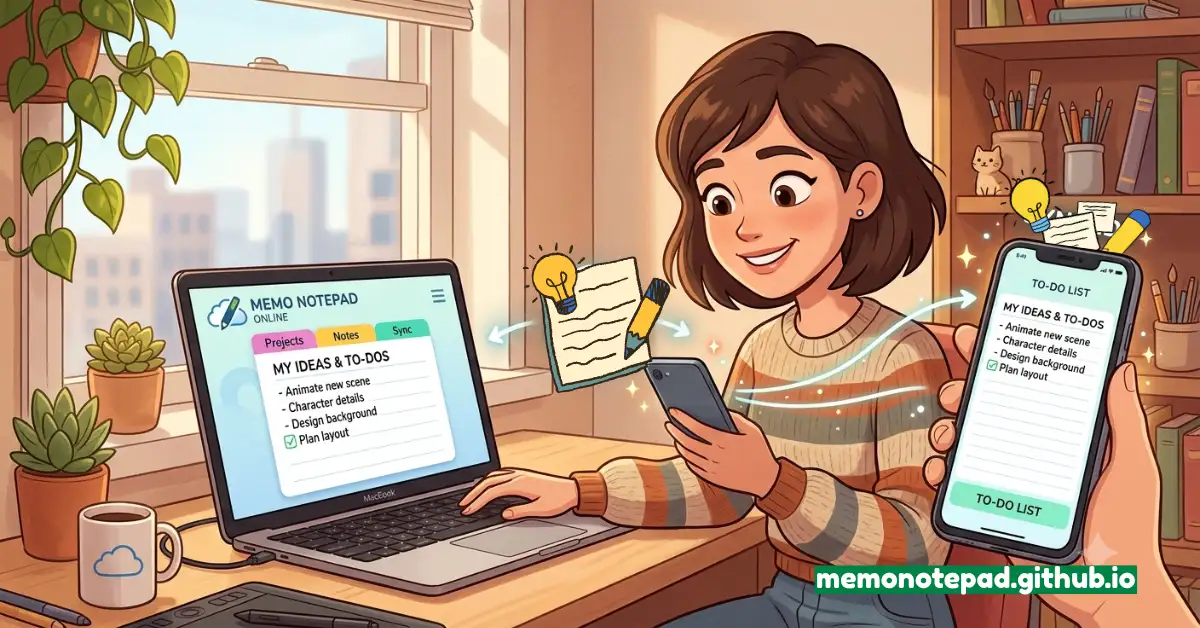
A memo notepad is a simple, fast Text Editor tool designed for capturing short-form notes, reminders, and ideas. Unlike heavy word processors, the memo notepad focuses on speed — you open it, you write, and it saves automatically.
The memo notepad online at memonotepad.github.io brings this simplicity to your browser. There's no software to install, no account to create, and no subscription to manage. It's the memo pad for the modern web: instant, private, and always accessible.
Think of it as my memo notepad — personal, always available, and built around your workflow. Whether you call it a memo notepad, an online notepad memo, or memo pads online, the goal is the same: frictionless note-taking.
Small habits that make your online notepad memo experience far more powerful.
Assign a consistent colour system: yellow for ideas, green for completed tasks, red for urgent notes. Your memo pads online become visually organised at a glance.
Create one memo for today's priorities and pin it. It stays at the top of the list — your daily anchor in the memo notepad online.
Before making a new memo, search for your topic. You may already have relevant notes in your online notepad memo collection.
Use "Export All" once a week to download a JSON backup of all your memo pads online. Keep your notes safe across browser clears.
Ctrl+S to save, Ctrl+N to create a new memo — mastering shortcuts makes the memo notepad feel like an extension of your keyboard.
Name memos specifically: "Q3 Meeting 2025" beats "Notes". Good titles make searching your online notepad instant.
Work faster in the memo notepad online with these power-user keyboard shortcuts.
Open the online memo notepad now and start writing. Free, fast, and private — always.
📝 Open My Memo Notepad