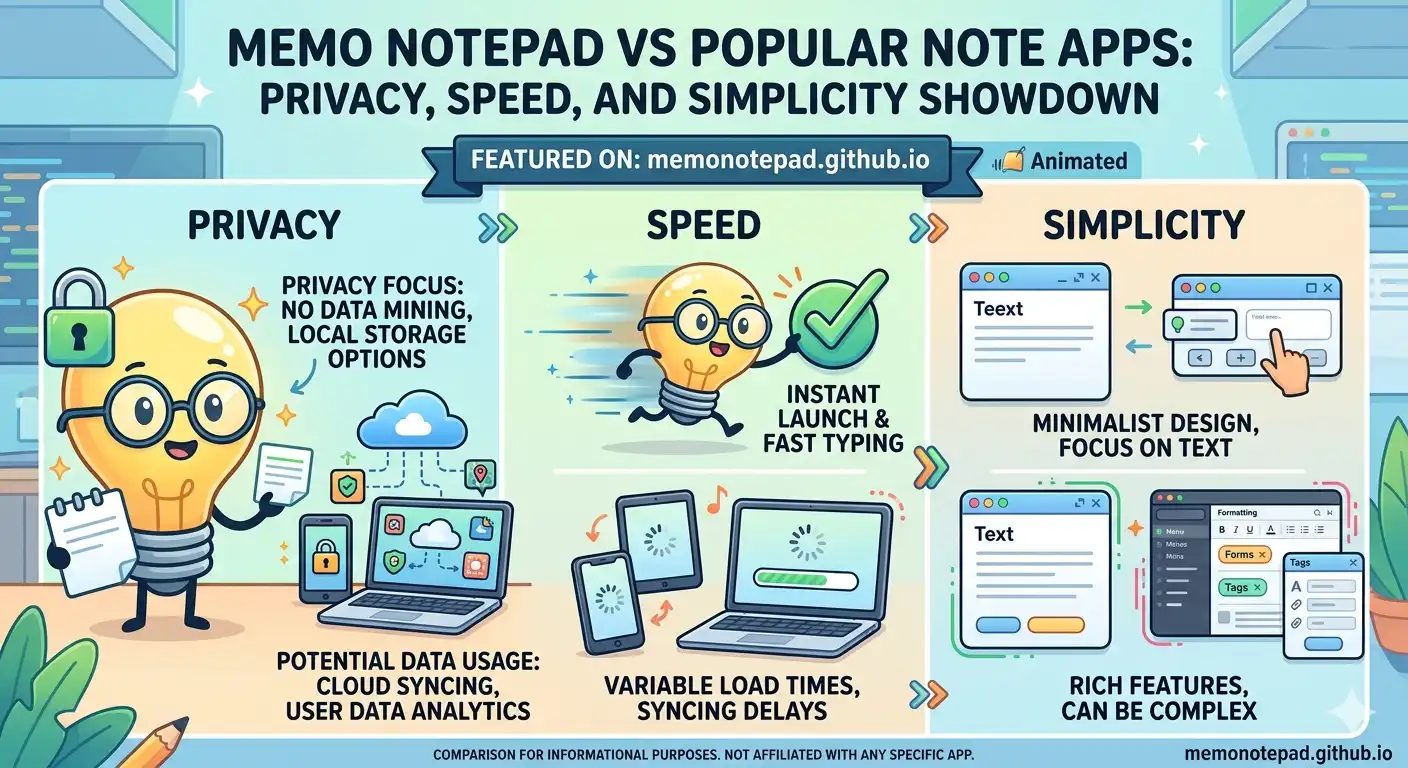
Memo Notepad vs Popular Note Apps: Privacy, Speed, and Simplicity Showdown
📅 June 17, 2026⏱ 9 min read✍️ Memo Notepad Team
Notion, Evernote, and Google Keep are all genuinely good tools — millions of people rely on them every day, and for good reason. This isn't a takedown. It's an honest look at where each one shines, and where a simple, account-free, browser-local tool like Memo Notepad does something none of them can: keep your notes completely private and instantly accessible with zero setup.
If you haven't already, it's worth reading how Memo Notepad's privacy model actually works before this comparison — it explains the architecture that makes several of the points below possible.
The Quick Verdict
Criteria
Memo Notepad
Notion
Evernote
Google Keep
Account required
✓ No
✗ Yes
✗ Yes
✗ Yes (Google)
Data stored locally only
✓ Yes
✗ No
✗ No
✗ No
Load time
✓ <1 sec
~ 2–4 sec
~ 2–5 sec
✓ ~1 sec
Free tier limits
✓ None
~ Block limits
✗ Device cap
✓ None
Offline-first
✓ Yes
~ Limited
~ Limited
~ Limited
Databases / wikis / teams
✗ No
✓ Yes
~ Basic
✗ No
Cross-device sync
~ Manual export
✓ Automatic
✓ Automatic
✓ Automatic
Learning curve
✓ Zero
✗ Steep
~ Moderate
✓ Zero
That last row on cross-device sync is the most important honest trade-off here: Memo Notepad's privacy comes specifically from not auto-syncing to a server. You get that capability back through manual export, covered fully in our backup and restore guide — but it's a deliberate extra step, not automatic.
Memo Notepad vs Notion
📓NotionAll-in-one workspace
Best for
Team wikis, project databases, structured knowledge bases, and collaborative documents with rich formatting, linked tables, and embeds.
Setup time
Account creation, workspace setup, and often a template before you write your first real note. Notion wins on power, loses on speed.
Privacy
All content stored on Notion's servers under their privacy policy. Memo Notepad wins decisively here — nothing ever leaves your browser.
Verdict
Use Notion when you need structure, collaboration, and databases. Use Memo Notepad when you need to capture a thought right now with nothing standing between you and the page.
Memo Notepad vs Evernote
🐘EvernoteVeteran note-taking app
Best for
Web clipping, document scanning, tagging large note archives, and searching across attachments like PDFs and images.
Account & pricing
Requires an account; free tier historically limits the number of synced devices. Memo Notepad has no account and no device limits at all since each browser is independent.
Speed to first note
Evernote's feature-rich interface means more to load and more UI to navigate before typing. Memo Notepad opens to a blank page in under a second.
Verdict
Evernote excels at organizing a large, searchable archive with attachments. For quick, private, friction-free text capture, Memo Notepad is simpler and faster — see real use cases here.
Memo Notepad vs Google Keep
📌Google KeepLightweight sticky notes
Closest competitor
Of the three, Keep is philosophically closest to Memo Notepad — simple, fast, colour-labelled notes with minimal friction.
Account requirement
Requires a Google account, and your notes live in your Google account's data, subject to Google's broader data practices. Memo Notepad requires nothing and stores notes only on your device.
If you're already deep in the Google ecosystem and want automatic sync, Keep is reasonable. If privacy and zero account dependency matter more than auto-sync, Memo Notepad is the better fit.
🔍 An honest note on sync
This is the one category where the cloud apps genuinely win: Notion, Evernote, and Keep all sync automatically across your devices. Memo Notepad requires a manual export/import step for that, by design — it's the price of having an architecture where no server ever sees your notes. Most users find a five-second weekly export habit a fair trade for that privacy guarantee.
Choosing the Right Tool for the Job
The honest answer to "which is best" is that they solve different problems. Here's a quick guide to picking the right one for a given situation:
When you need
Team collaboration
Notion — shared databases, comments, and permissions designed for groups.
When you need
Web clipping & archives
Evernote — clip articles, scan documents, and search across attachments.
When you need
Quick synced sticky notes
Google Keep — fast, simple, and already synced if you live in Gmail and Android.
When you need
Instant, private capture
Memo Notepad — no account, no server, no friction, just a blank page in under a second.
"The best note app is the one whose trade-offs match what you actually need — not the one with the most features."
Why Many People Use Memo Notepad Alongside Other Tools
This isn't necessarily an either-or decision. A common pattern is using Memo Notepad as the fast, private front door for raw capture — fleeting ideas, sensitive notes, quick drafts — and a heavier tool like Notion for anything that needs to become a structured, shared document later. The second brain approach covers exactly this kind of layered workflow in more depth.
The deciding factor usually comes down to one question: does this note need to be shared, structured, and synced automatically (use Notion, Evernote, or Keep), or does it need to be captured right now, privately, with nothing standing in the way (use Memo Notepad)?
Frequently Asked Questions
It depends on the goal. Notion is better for databases, wikis, and team collaboration with rich structure. Memo Notepad is better for fast, private, account-free personal note capture with zero setup time. They solve different problems rather than directly competing.
No. Memo Notepad requires no sign-up, no email address, and no login of any kind. Evernote requires its own account, and Google Keep requires a Google account — both tie your notes to a company-managed identity.
Memo Notepad is the most private of the apps compared here because it stores notes only in your browser's localStorage and never transmits them to any server. Notion, Evernote, and Google Keep all store your notes on company-controlled servers, governed by their respective privacy policies.
Not automatically — that's a deliberate trade-off for privacy. You can manually export your memos as a JSON file and import them on another device or browser. See the full process in our backup and restore guide.